
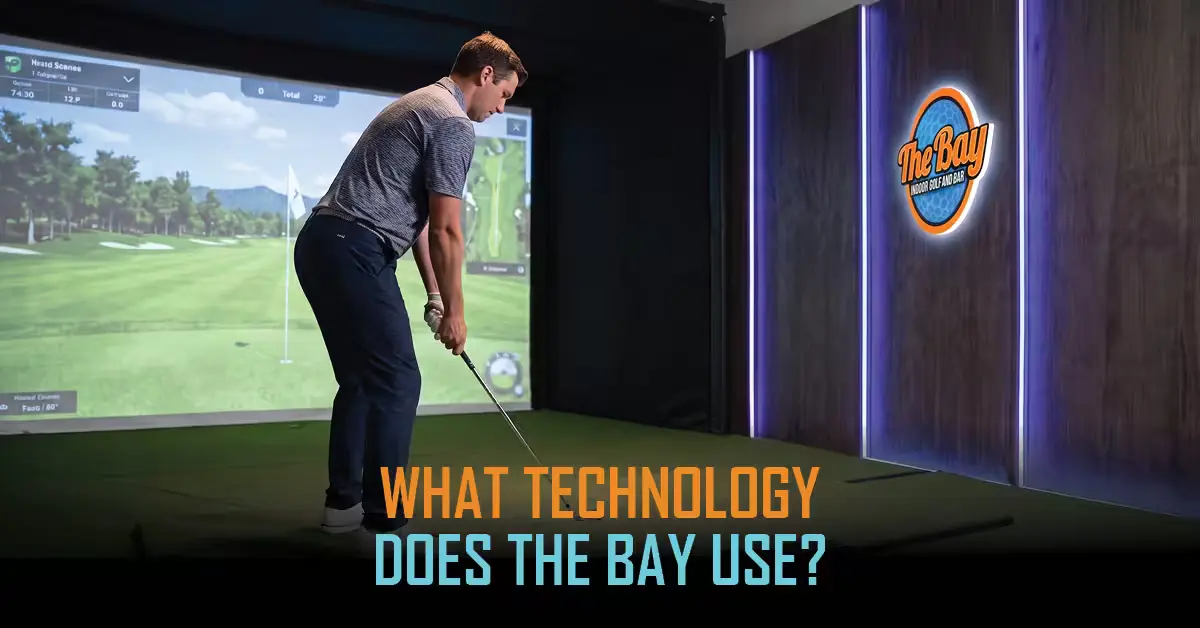
Most golf simulators show you where the ball went. The ProTee VX tells you why.
The Bay runs three systems that work together: the ProTee VX launch monitor, ProTee Labs data software, and GSpro simulation. The ProTee VX measures the shot. ProTee Labs stores, analyses, and visualises the data. GSpro takes those inputs and puts your ball flight on courses from around the world, with new ones arriving weekly.
Darren spent two years testing simulator technology before choosing this stack. The reason is simple: Darren judged it the most complete and future-proofed system available at this level. And it keeps getting better.
Three Systems, One Experience
The technology at The Bay is not a single piece of hardware.
It is a stack. Three systems designed to work together, each doing something the others cannot. Understanding how they connect explains why the experience at The Bay feels different from other simulators.
The ProTee VX is the launch monitor. It reads every shot using high-speed cameras and sensor technology, with two swing cameras mounted on the ceiling. The data it produces feeds directly into ProTee Labs, which handles storage, analysis, and the session interface. GSpro takes the ball and club data and translates it into a real-time simulation on the course you picked. Every shot you hit at The Bay passes through all three systems in seconds.
The ProTee VX: What It Measures
The ProTee VX captures three categories of data on every shot.
Ball data covers what the ball does at impact and immediately after:
- Ball Speed
- Total Spin
- Back Spin
- Side Spin
- Spin Axis
- Launch Angle (vertical)
- Launch Direction (horizontal)
Club data covers what the club does through the impact zone:
- Club Speed
- Club Path
- Club Face Angle
- Face to Path
- Attack Angle
- Dynamic Loft
- Club Lie Angle
- Impact Location (vertical)
- Impact Location (horizontal)
Ball flight data covers what happens after the ball leaves the face:
- Carry Distance
- Total Distance
- Flight Path
- Apex Height
- Air Time
- Descent Angle
That is the full picture of a golf shot, from the moment the club starts its approach to the moment the ball lands. The data returns within seconds of impact.
ProTee Labs: What You Do With the Data
ProTee Labs is the data and analysis layer that sits above the ProTee VX.
Where the ProTee VX measures, ProTee Labs interprets. It takes the raw shot data and builds a picture of your game across sessions, not just shot by shot. The metrics ProTee Labs adds include Smash Factor and Spin Loft at the shot level, and across your session it builds Dispersion Charts, Shot History, Bag Mapping, and Heat Maps showing exactly where on the face you are making contact.
ProTee Labs also captures Video Replay of Impact so you can watch the moment of contact at full speed or frame by frame. Two swing cameras come standard on every ProTee VX at The Bay, mounted on the ceiling, giving a full-body view alongside the ball and club data. At the end of every session, Session Statistics and Averages are available so your progress across visits is trackable, not theoretical.
The AI swing trainer sits within this layer. It reads your body, the ball data and the club data, and it is switched on at The Bay. This is the capability Darren chose ProTee for above everything else. It turns every session into a lesson, even when nobody is there to help you.
GSpro: Where the Data Becomes a Round
GSpro is the simulation engine. It takes the output from the ProTee VX and renders a real ball flight on a simulated course.
The courses in GSpro are built by a global community of designers. Famous layouts are on the list, and they run under altered names, for example Georgia Golf Club for the Augusta National layout. New courses arrive weekly. When the ProTee VX reads your ball speed, launch angle, spin rate, and club path, GSpro uses those exact inputs to calculate where your ball would land on that course, in those conditions. The simulation is not an approximation. It is your shot on that course.
GSpro also has a range mode for practice.
Why This System and Not Another
Darren evaluated the simulator market for two years before opening The Bay. The ProTee VX was not the cheapest option and was not the most widely marketed. Darren judged it the most complete.
Accuracy mattered, but it was not the deciding factor. The deciding factor was what ProTee does with updates.
Most simulator hardware is static. You buy the system and you have that system. ProTee updates the ProTee VX and ProTee Labs continuously via software. The system running at The Bay today has more capability than the system Darren installed at launch. The AI swing trainer capability grew through an update. The analytics layer expanded through an update. The hardware did not change. The product got better.
That is what future-proofed means in practice. The Bay invested in a platform, not a product. What Darren chose was the confidence that the technology his customers use this year will be more capable next year, without replacing the hardware in the bay.
What This Means for Your Game at The Bay
You do not need to understand any of this to enjoy a session at The Bay.
Your Hosts set up the bay, choose the course, and the game runs. But if you want to go deeper, the data is there. After your round you can pull up the ProTee Labs session and look at your club path trend, your dispersion pattern, or your average carry distance by club. You can compare session one to session ten.
The players who improve fastest at The Bay are not the ones who hit the most balls. They are the ones who read the data between shots and make one small adjustment at a time. The ProTee VX gives you that data. ProTee Labs helps you understand it. And GSpro puts every improvement to the test on a course that punishes the wrong ball flight the way a real course would.
For a broader look at how indoor golf works, read How Does Indoor Golf Work? A First-Timer’s Complete Guide. For the complete guide to indoor golf in Sydney, read The Complete Guide to Indoor Golf and Golf Simulators in Sydney.
Frequently Asked Questions
What technology does The Bay use?
The Bay uses three systems: the ProTee VX launch monitor, ProTee Labs data software, and GSpro simulation. The ProTee VX measures ball speed, spin, launch angle, club path, face angle, carry distance, and more on every shot. ProTee Labs stores and analyses that data across sessions, including dispersion charts, shot history, bag mapping, heat maps, and video replay of impact. GSpro takes the ProTee VX inputs and renders your ball flight on courses from around the world.
What is a launch monitor in golf?
A launch monitor is a device that measures what a golf ball and club do at the moment of impact and immediately after. It captures data like ball speed, spin rate, launch angle, club path, and face angle. At The Bay, the ProTee VX is the launch monitor. It returns a full data set within seconds of each shot, feeding that information into ProTee Labs for analysis and GSpro for simulation.
What is the difference between a golf simulator and a launch monitor?
A launch monitor measures your shot data. A golf simulator uses that data to create the playing experience, showing your ball flight on a rendered course. They are two different products that work together. At The Bay, the ProTee VX is the launch monitor. GSpro is the simulator. ProTee Labs sits between them as the data and analysis layer. All three run together on every shot.
Is GSpro a golf simulator?
Yes. GSpro is a golf simulation platform used at The Bay. It takes the ball and club data from the ProTee VX and renders a real-time ball flight on courses from around the world. Many run under altered names, and new courses arrive weekly. GSpro also includes a range mode.